01POWER YOU
CAN PLACE.
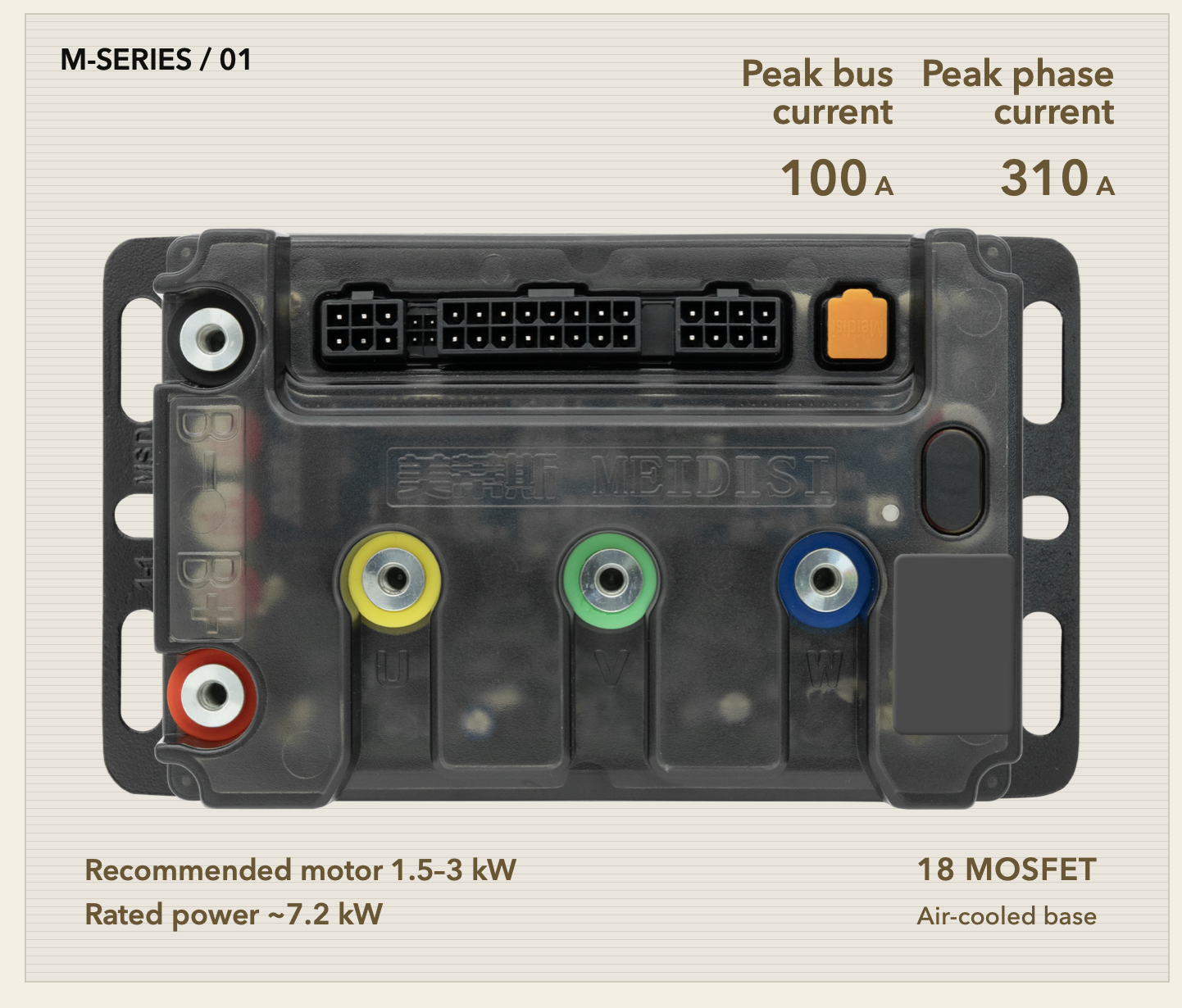
150A peak bus current and 430A peak phase current are visualized as the controller sends usable torque to the motor. Output remains configurable for the real battery and motor system.
- Theoretical power ~10.8 kW
- 150A peak bus current
- 430A peak phase current
- 3000W motor: 110km/h+ reference performance, depending on the battery, setup and riding conditions
01.1BOOST. A quick full twist.
Quickly twist the throttle fully to request maximum power in BOOST mode. Output follows the configured settings and battery, motor and controller protection limits.
01.2Adjust current from your phone via Bluetooth.
MCS controllers support Bluetooth current adjustment in the mobile app. Match output to your battery and motor. The slider is illustrative, not a stated adjustment range.
01.348–80V nominal. 12–22S.
Up to 95V fully charged.
Supports 48–80V nominal battery systems and 12–22S configurations, with a maximum full-charge voltage of 95V. Confirm cell chemistry and actual full-charge voltage before installation; series count alone does not establish compatibility.
01.4 / 01ONE TAP.
30-SECOND MOTOR LEARNING.
Start motor self-learning from the MCS app. Automatic parameter identification simplifies setup, including compatible modified motors. Follow the app’s preparation and safety instructions before starting.
01.4 / 02Identify parameters automatically in 30 seconds.
The app guides the identification process. This scroll animation compresses the 30-second sequence for illustration; it is not a live measurement.
01.4 / 03Learning complete. Ready for configuration.
Check the completion result in the app, then configure current and riding functions for the actual battery and motor. Modified-motor compatibility must be confirmed for the specific setup.
02MORE CONTROL.
FEWER STEPS.
Set your riding modes, hold cruising speed, reverse and park using familiar controls. Available functions depend on the vehicle configuration.
02.1Set the speed ceiling for each riding mode.
ECO and SPORT can be tuned independently, so everyday range and stronger performance do not need the same speed limit.
02.2Cruise control with one short press.
While riding, short-press the P button. The throttle can return while the motorcycle keeps the selected cruising speed.
02.3Reverse through the familiar throttle.
When stopped, hold P and gently twist the throttle to reverse. Maintain the input to continue reversing at low speed.
02.4No reverse icon? The display shows 8.
For original dashboards without a reverse symbol, the controller uses the number 8 as a clear reverse-state indicator.
02.5Hold the brake for 3 seconds to activate hill hold.
Hold the brake for three seconds while stationary. The motor lightly locks the motorcycle in place; applying throttle releases the hold immediately.
02.6No parking icon? The display shows 11.
Dashboards without a parking indicator use the number 11 to confirm that hill-hold parking is active.
02.7A controlled pace down the slope.
Enable and configure hill-descent assistance in the MCS app. The app panel and vehicle are shown together: save the settings, then maintain a controlled downhill pace. The displayed settings are examples; rpm is motor speed, not km/h. Keep control of the brakes and adapt to road conditions.
02.8Retract the side stand. The display enters READY.
This scene demonstrates side-stand interlock: retract the stand, P disappears, the speed display returns to 0 and READY lights in the upper status strip. Availability depends on vehicle configuration.
03CONTROL WHEN
GRIP CHANGES.
Electronic traction control manages wheel slip under acceleration and smooths the requested output when road grip changes.
03.1 / 01EBS: choose how recovery starts.
Choose an energy-recovery trigger in the MCS app to match your riding habits. This illustration shows configurability, not the actual list of options.
Principle and function illustration, not the actual app interface. EBS does not replace mechanical braking.
03.1 / 02Set regenerative current: 0–50A.
Set energy-recovery current from 0 to 50A in the MCS app. The setting and slider move together; actual recovery current depends on operating conditions and battery protection limits.
Principle and function illustration, not the actual app interface. EBS does not replace mechanical braking.
03.1 / 03Decelerate. Return some energy to the battery.
When EBS activates, some kinetic energy is converted to electrical energy through the motor and controller and returned to the battery. The wheel keeps turning forward as it slows. Actual recovery depends on speed, battery condition and configuration.
Principle and function illustration, not the actual app interface. EBS does not replace mechanical braking.
04 / 01EFFICIENT CONTROL.
LOWER TEMPERATURE RISE.
Test results after 20 km of continuous riding at 100 km/h in 25°C ambient temperature: MCS controller 80°C; comparison controller 100°C — a 20°C difference. The MCS trend levels off while the comparison trend continues rising. Curves illustrate the trend; the 100 km/h points show test results. Actual temperature varies with load, configuration, airflow and operating conditions.
05.1OTA cloud updates keep the setup current.
Connect your phone and follow the app instructions to update compatible controller firmware.
05.3ADD A FAN.
KEEP THE WIRING.
The optional twin-fan assembly sits below the M430 air-cooled base. Air is directed upward onto the cooling fins, then moves outward to carry heat away.
- Fan kit sold separately. Confirm the matching DC converter and connection accessories when ordering.
- Exploded view for clarity; the assembly settles into its mounting position.
05.3 / 02A dedicated socket. A matching plug.
Connect the dedicated DC converter to the 4-pin socket at the upper-right corner of the controller. Use the matching connector — no cutting the original wiring.
Connector movement is illustrative, not a pin-assignment diagram.
05.3 / 03Connect 12V. Close the terminal.
The connector terminal joins the dedicated DC converter’s 12V output to the fan’s positive and negative leads. Insert the matching wires and close the terminal levers.
Use the supplied wiring instructions to confirm polarity and compatible accessories.
05.3 / 04Cooling control, already integrated.
Select temperature-based or power-on operation in the MCS app. Under the test conditions above (25°C ambient, 20 km of continuous riding at 100 km/h), adding the fan kit lowers temperature by approximately 10–15°C: from 80°C to around 65–70°C. Actual reduction varies with load, installation and airflow. The dedicated DC converter handles fan control; no separate thermostat module is needed.
App shown as a functional illustration. Fan kit sold separately.
05.4FROM LINES.
TO THE REAL PRODUCT.
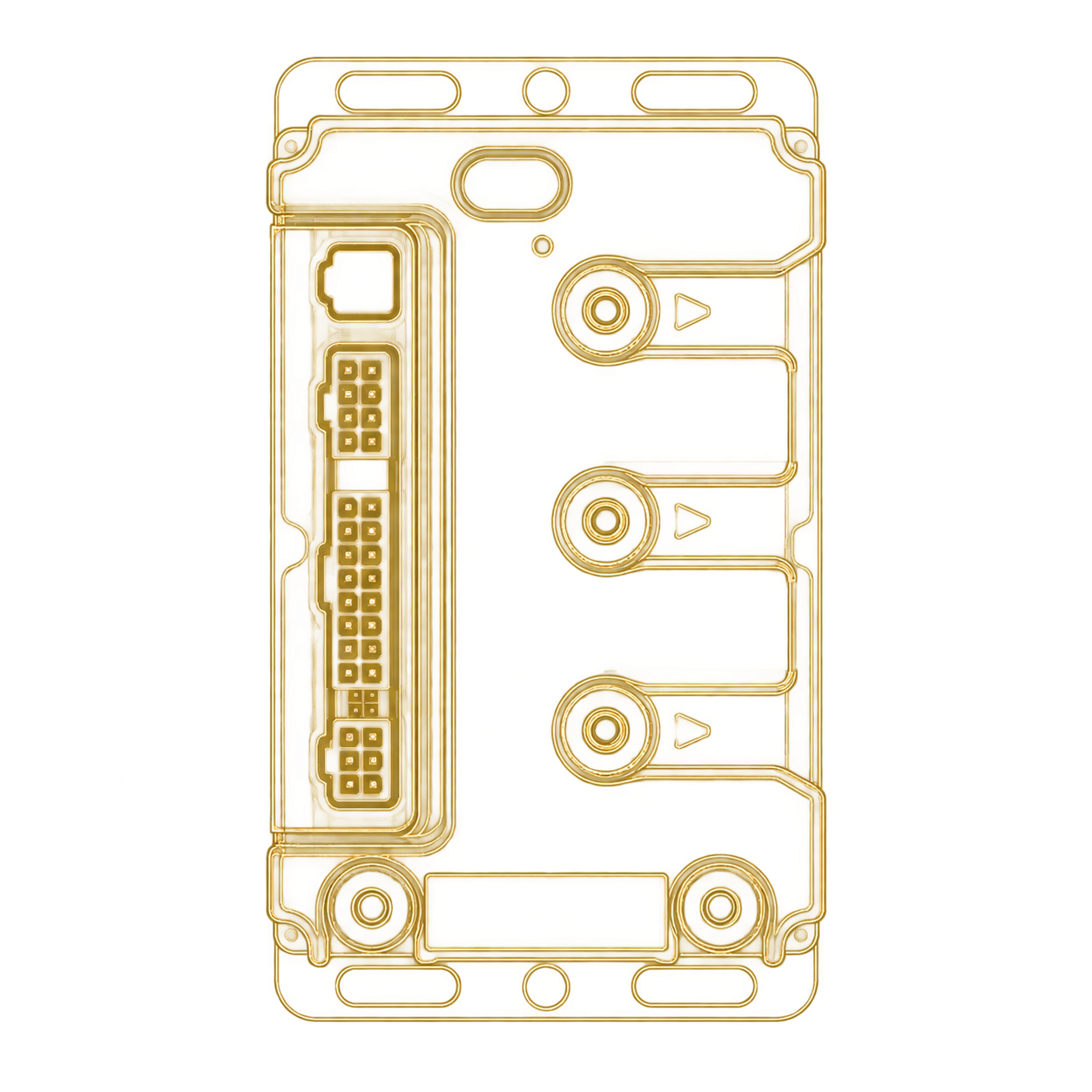
Scroll to reveal the actual controller from its line drawing. Original product photographs show the housing, connectors and terminals without changing their proportions.
06 / 01DIMENSIONS.
MADE CLEAR.
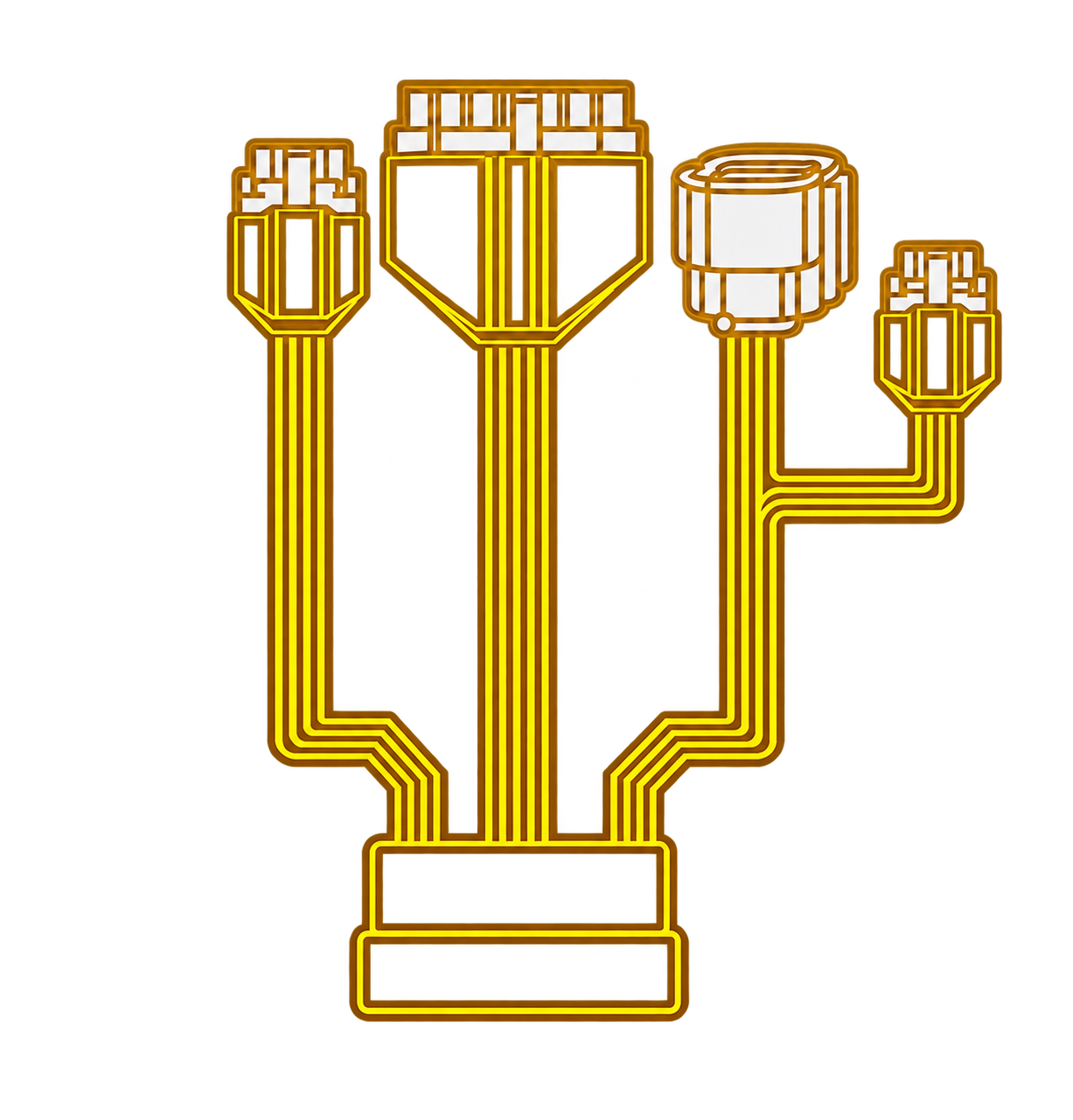
M430 has an overall height of 56 mm and a finned aluminum air-cooled base. M310 / M430 / M560 use original mounting positions on compatible models, with matching plug-in wiring and no extra decoder module.
- 180 × 104 × 56 MM
- Natural air-cooled aluminum base
- Optional high-speed cooling fan